 Brynzo AISTUDIO


Signature concepts
Explore distinct moods for the same visual direction.

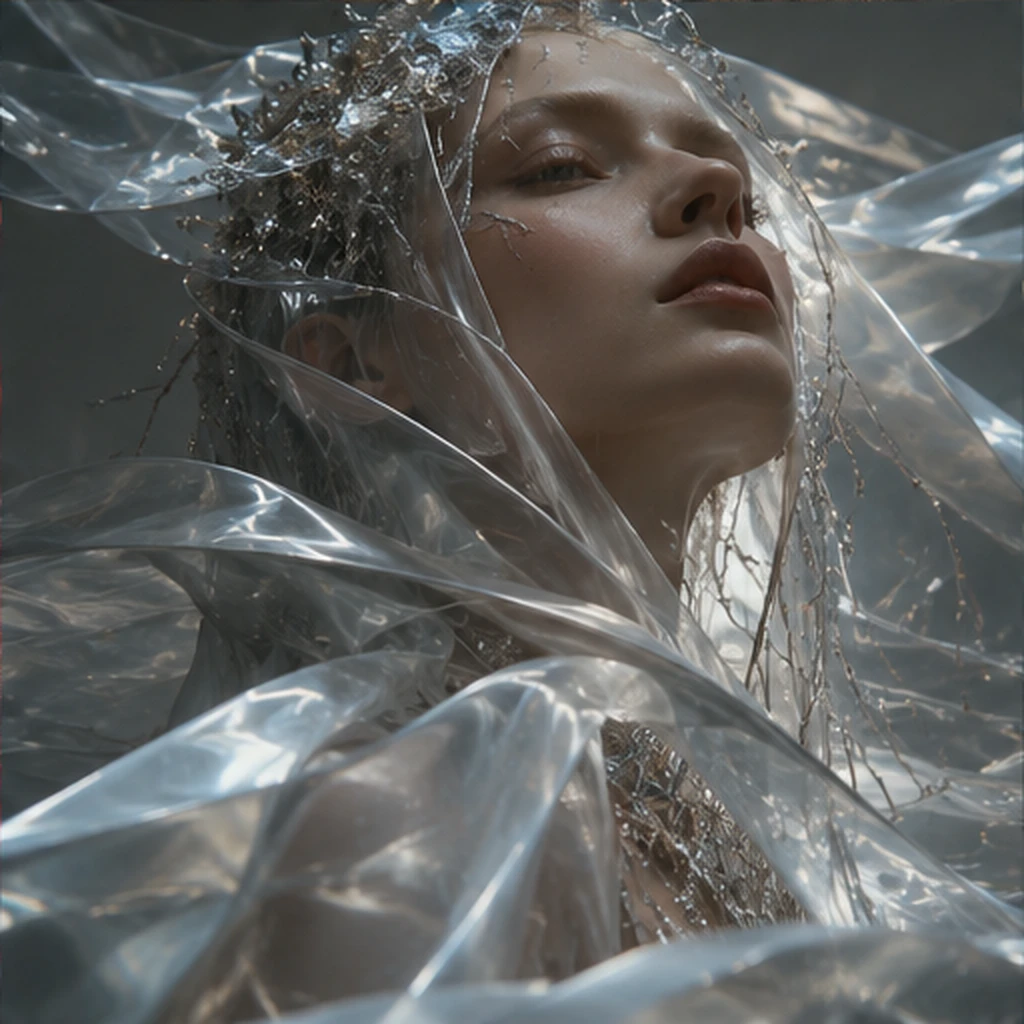
An editing workflow concept for replacing backgrounds, restyling imagery, adjusting compositions and refining creative details.
A distinct creation path with its own page, visual stories and practical controls.
Refine the creative direction from your starting idea.
Make the controls feel useful and approachable.
Expand ideas into related media workflows.
An editing workflow concept for replacing backgrounds, restyling imagery, adjusting compositions and refining creative details.
Bring a source photograph or generated visual.
Describe the edit while protecting the desired subject detail.
Compare directions, then send the preferred look to your project.
Curated examples illustrating the kind of results this workflow could support.
Explore distinct moods for the same visual direction.
Turn references into rich, intentional visual language.

Reimagine a concept in new places and styles.
Explore the Brynzo Studio UI with tailored modes and an illustrative generation preview. AI services are not connected.