 Brynzo AISTUDIO

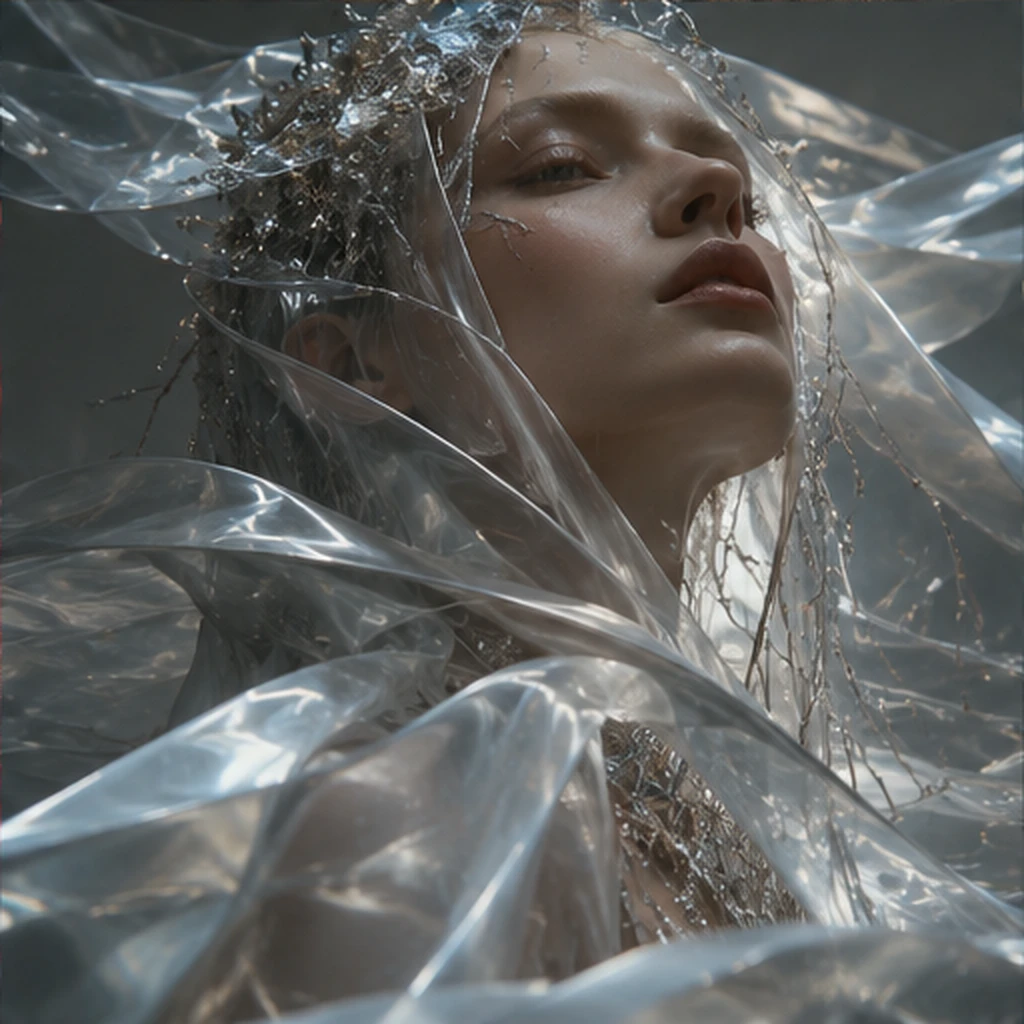
Signature concepts
Explore distinct moods for the same visual direction.

Bring artwork to life using motion concepts for characters, scenes, environmental effects and short looping sequences.
A distinct creation path with its own page, visual stories and practical controls.
Refine the creative direction from your starting idea.
Make the controls feel useful and approachable.
Expand ideas into related media workflows.
Bring artwork to life using motion concepts for characters, scenes, environmental effects and short looping sequences.
Start with an image that tells the story.
Define subject, background and camera motion.
Preview timing and pacing for short loops.
Curated examples illustrating the kind of results this workflow could support.
Explore distinct moods for the same visual direction.
Turn references into rich, intentional visual language.
Reimagine a concept in new places and styles.
Explore the Brynzo Studio UI with tailored modes and an illustrative generation preview. AI services are not connected.